Temp-Mail.GG
Can You Get a Temporary Gmail Address? What Works Instead
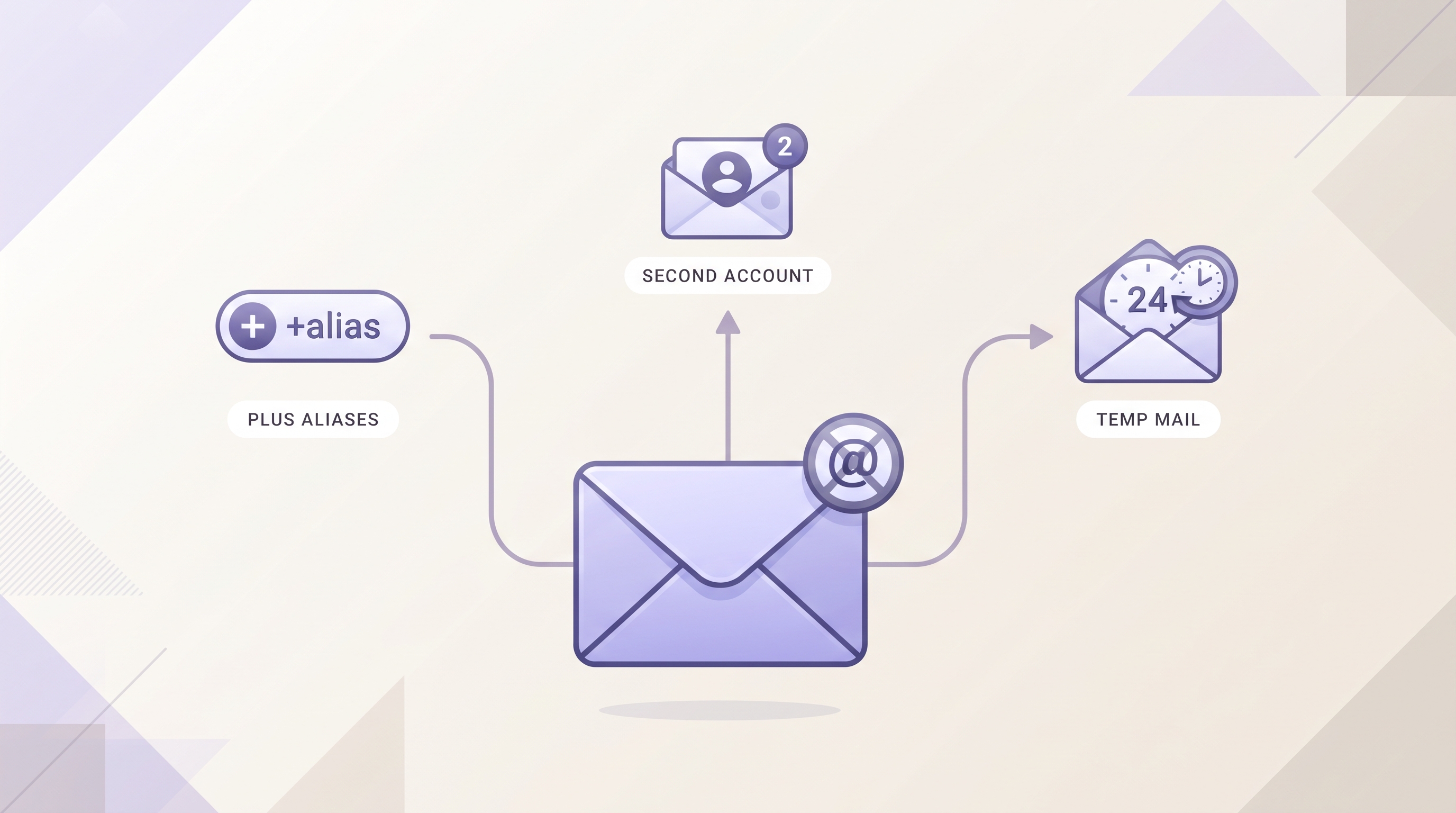
You can't create a real disposable @gmail.com address, but there are three honest ways to get the same result. Here is what works and when to use each.
Short answer: no. Nobody outside Google can hand you a working @gmail.com address that you throw away afterwards. Gmail addresses are created only through Google's own sign-up, and each one is a full Google account. Sites that promise a "temp Gmail" are either giving you an address on a different domain or reusing accounts that other people can also read.
What most people actually want is simpler: a way to sign up somewhere without their main inbox filling with marketing email. There are three ways to get that.
Option 1: Gmail's built-in aliases
If you already have a Gmail account, you can change how your address looks without creating anything new:
- Plus addressing. Add a plus sign and any word before the @. Mail sent to [email protected] arrives in the inbox of [email protected].
- Dots. Gmail ignores dots in the name, so [email protected] and [email protected] are the same inbox.
This is useful for filtering: you can create a rule that sends everything addressed to the +shop version straight to a folder. It does not give you privacy. The site still knows your real address, because removing the plus part is trivial, and the mail still lands in your own account.
Option 2: A second Google account
You can create another Gmail account and keep it for sign-ups. It is a real, permanent address that works everywhere. The cost is effort: Google usually asks for a phone number, and you have to remember to check a second inbox.
Option 3: A temporary email address
A temporary address is a real inbox on a different domain that exists only for as long as you need it. With Temp-Mail.GG you get one in a single click, with no registration, and messages show up on the page within seconds.
- The site you sign up to never sees your real address.
- Incoming messages are deleted automatically 24 hours after they arrive.
- You can also choose one of our EDU domains.
The limit is the reverse of Gmail's: a temporary address is not for accounts you want to keep. If you lose access to the address, you lose the ability to reset that account's password.
Which one should you use?
- Sort mail from one sender into a folder: A Gmail plus alias
- Keep a long-term account separate from your main inbox: A second Google account
- Sign up once, read one email, and never hear from them again: A temporary address
- Hide your real address from the site entirely: A temporary address
A word of caution
Be careful with any service that claims to give out shared "@gmail.com" inboxes. If you can read the inbox without a password, so can everyone else, including any verification code sent to it. Never use a shared inbox for anything connected to money or personal details.
If a throwaway address is what you need, generate one here. It takes one click.