Temp-Mail.GG
Temp Mail Login and Password: How to Recover or Change It
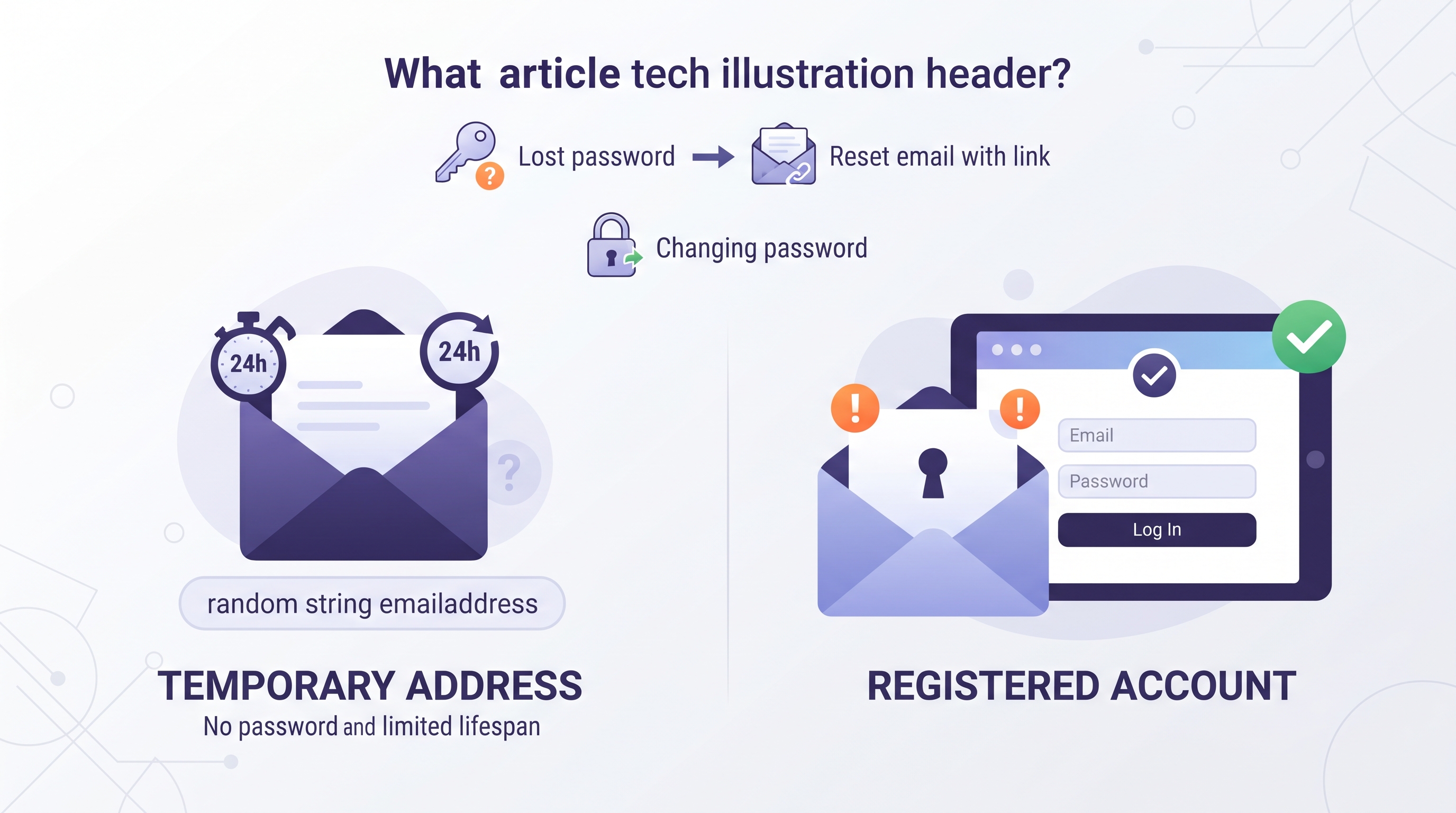
Temporary addresses have no password, but Temp-Mail.GG accounts do. Here is how to log in, reset a forgotten password and change it, and what to do if you can't.
There are two different things people mean by a "temp mail password", and the answer depends on which one you have.
A temporary address has no password
If you opened Temp-Mail.GG and used the address shown on the page without signing up, there is nothing to log in to. The address belongs to your browser: it stays yours for as long as the browser keeps its session and cookies for this site.
That has two consequences:
- If you clear your cookies, use private browsing, or switch to another device, the address is gone and cannot be recovered.
- Nobody can "recover the password" of such an address, because it never had one.
If you want to keep an address and come back to it from any device, you need a free account.
A Temp-Mail.GG account does have a password
With a free account your addresses are saved permanently and you can pick your own name before the @. This is the password you can log in with, reset and change.
How to log in
- Go to the login page.
- Enter the email address you registered with and your password.
- Your saved addresses and inboxes are in the dashboard.
How to reset a forgotten password
- Open the forgot password page.
- Enter the email address of your account and choose Email password reset link.
- Open the email we send and follow the link to set a new password.
For security the page always shows the same message, whether or not an account exists for that email. If nothing arrives, check your spam folder and make sure you typed the address you registered with.
How to change your password
- Log in and open the menu with your name at the bottom of the sidebar.
- Choose Settings, then Password.
- Enter your current password, then the new one twice, and save.
If the reset email never arrives
The reset link is sent to the email address your account was registered with. The most common reasons it does not arrive:
- You registered with an address you no longer have access to.
- You registered with a temporary address from another service that has since expired.
- The message was filtered as spam.
If you cannot receive the email, contact us at [email protected] or on Telegram and explain which account is affected.
Looking for a different temp mail service?
Several services have similar names. We can only help with accounts on temp-mail.gg. If your account is with another provider, you will need their own login or recovery page.
Tips for a safer account
- Register with a permanent email address you control, so password resets always reach you.
- Use a long password you do not use anywhere else.
- Do not use a temporary address for accounts on other sites that you intend to keep. Incoming messages here are deleted after 24 hours, including any reset emails those sites send.