Temp-Mail.GG
Temp Mail API: Create Addresses and Read Emails From Code
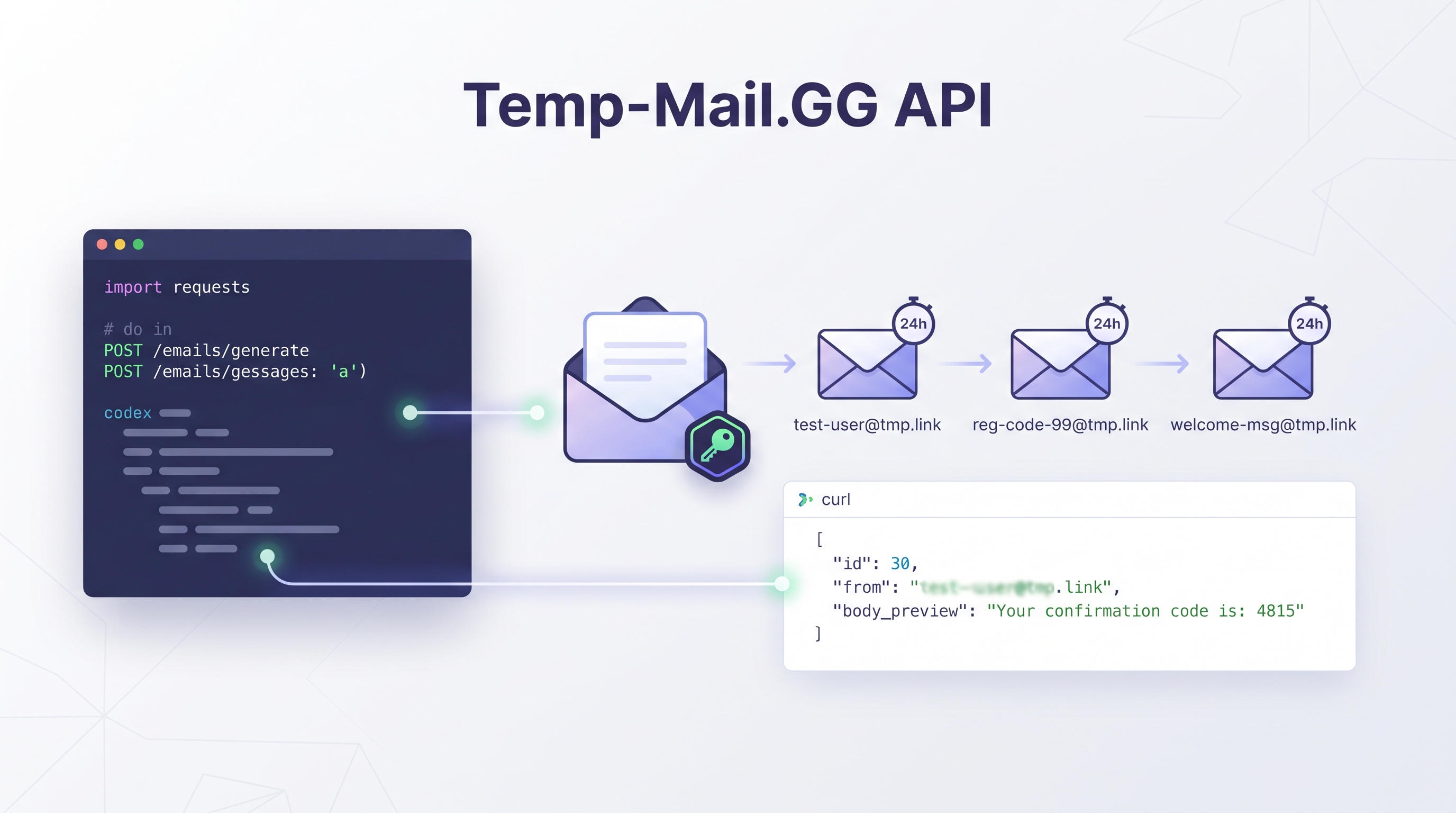
A short walkthrough of the Temp-Mail.GG API: get a key, create a temporary address, wait for a message and read it, with examples in curl and Python.
If you test sign-up flows, you have probably written code that needs to receive an email: a confirmation link, a one-time code, a welcome message. A temporary email API lets a script create an inbox, wait for the message and read it, without touching a real mailbox.
What you need
- A free Temp-Mail.GG account.
- An API key. Open API Keys in your dashboard and create one. The key is shown once, so copy it straight away.
Every request sends the key in an X-API-Key header. The base URL is https://temp-mail.gg/api/v1.
Step 1: Create an address
curl -X POST https://temp-mail.gg/api/v1/emails/generate \
  -H "X-API-Key: your_api_key_here" \
  -H "Content-Type: application/json" \
  -d '{"prefix": "signup-test"}'
Both body fields are optional:
- prefix: the part before the @. 3 to 64 characters: letters, numbers, dot, dash and underscore.
- domain: one of the available domains. If you leave it out, the default domain is used.
Send an empty body to get a random address.
Step 2: Use the address
Give the address to whatever you are testing: your registration form, a password reset, a newsletter sign-up. Mail usually arrives within a few seconds.
Step 3: List the messages
curl https://temp-mail.gg/api/v1/emails/signup-test@your-domain/messages \
  -H "X-API-Key: your_api_key_here"
In a test you would call this every few seconds until a message appears, with a timeout so the test fails cleanly if nothing arrives.
Step 4: Read one message
curl https://temp-mail.gg/api/v1/messages/123 \
  -H "X-API-Key: your_api_key_here"
Replace 123 with the message id from the previous step.
Decode the message body
The HTML and plain-text bodies are returned as base64 strings, so that any characters in the email survive the trip intact. Decode them before searching for your link or code:
import base64

def decode_body(value: str) -> str:
    return base64.b64decode(value).decode("utf-8", errors="replace")
A complete example in Python
import time
import requests

BASE = "https://temp-mail.gg/api/v1"
HEADERS = {"X-API-Key": "your_api_key_here"}

# 1. Create an address
created = requests.post(f"{BASE}/emails/generate", headers=HEADERS, json={}).json()
print(created)  # the response contains the new address

address = "paste-the-address-from-the-response"

# 2. ... trigger the email in the system you are testing ...

# 3. Wait for a message (up to 60 seconds)
for _ in range(12):
    messages = requests.get(f"{BASE}/emails/{address}/messages", headers=HEADERS).json()
    print(messages)
    time.sleep(5)
The exact response fields are listed in the interactive API reference, where you can also try each request in the browser.
Limits to plan around
- Free: 100 per month. Resets: Monthly
- Pro: 12,000 per month. Resets: Monthly
- Ultra: 1,500 per day. Resets: Daily
- Polling uses requests. A check every 5 seconds for a minute is 12 requests, so on the free plan keep polling short.
- Incoming messages are deleted automatically 24 hours after they arrive. Read what you need during the test run.
- A key can only read addresses created by its own account.
Good uses, and one to avoid
The API is built for testing your own systems and for automation you are entitled to run. Do not use it to create accounts in bulk on other people's services: that breaks their terms and ours.
Ready to try it? Create a free account, generate a key, and see the API overview for the full endpoint list.